How it works
From a story in your head to a music video.
Pick an artist, write your story, shape the scenes and watch them play. Free during the beta.
Make your videoThe flow
Six steps to your own video.
- 01
Pick an artist and a song
Sign in with a free account, then browse the example catalog and choose an artist and one of their songs.
Every catalog artist is a fictional example, from synth-pop girl groups to dream pop soloists.
MyouV never uses real artists' names or likenesses.

- 02
Choose your format
During the beta, every video is a vertical short-form clip made for sharing. Widescreen long-form, with room for a longer story, opens after the beta.
Short-form
Vertical 9:16. 3 scenes of 5 seconds, 15 seconds.
Long-form
Widescreen 16:9. 12 scenes of 5 seconds, 60 seconds. Opens after the beta.
- 03
Write your story and pick a style
Describe the story, scenes, characters and feelings you want. Keep it simple or go deep, then choose the look.
A second chance in a different city. She finds the stage she left behind...
Visual style
- Cinematic
- Dreamy
- Neon city
- Anime-inspired
- Film grain
Story Mode
Shape every scene in Story Mode.
01
Opening
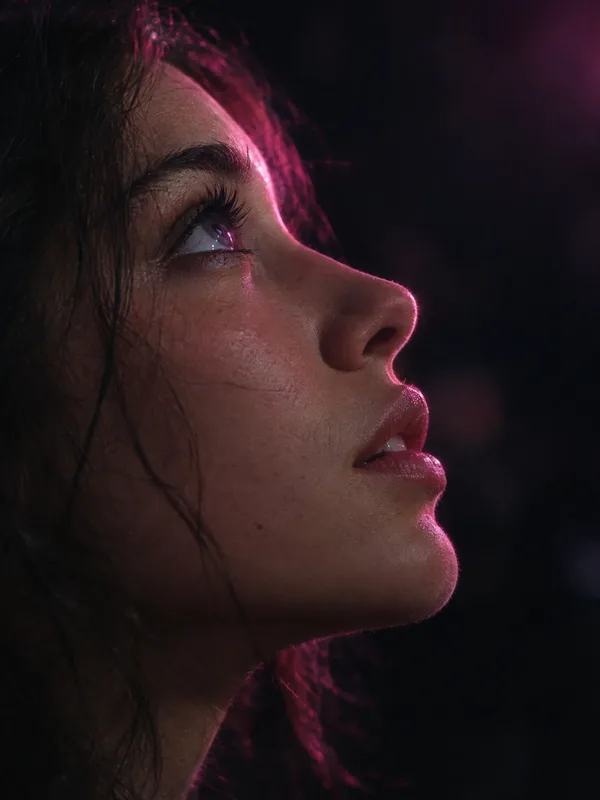
02
The spark
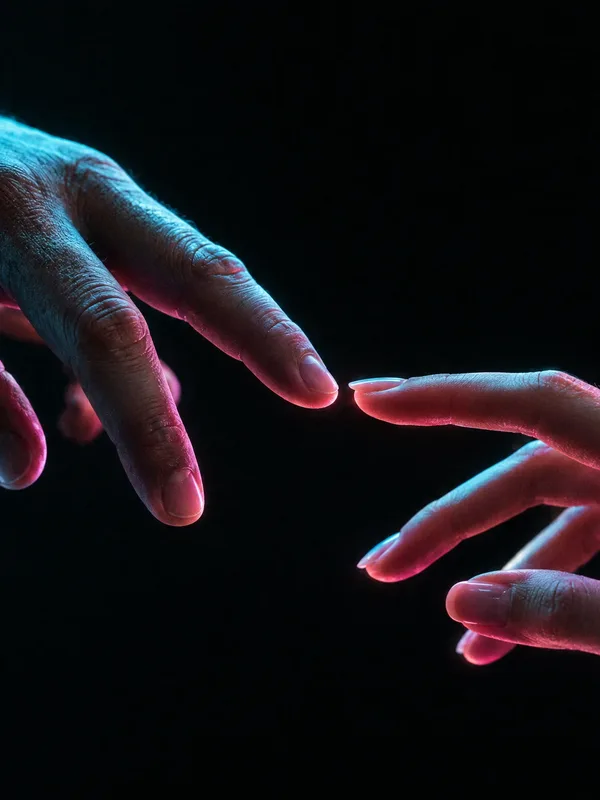
03
A new world
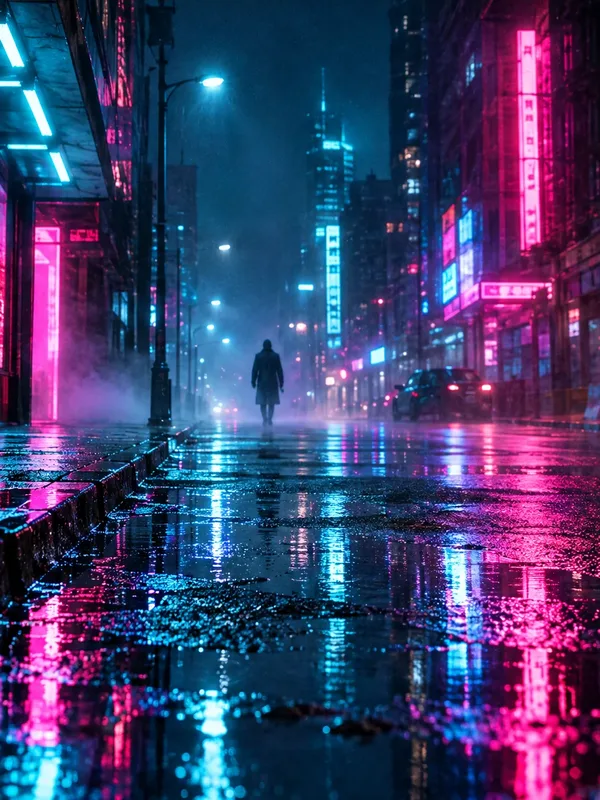
04
Rising tension
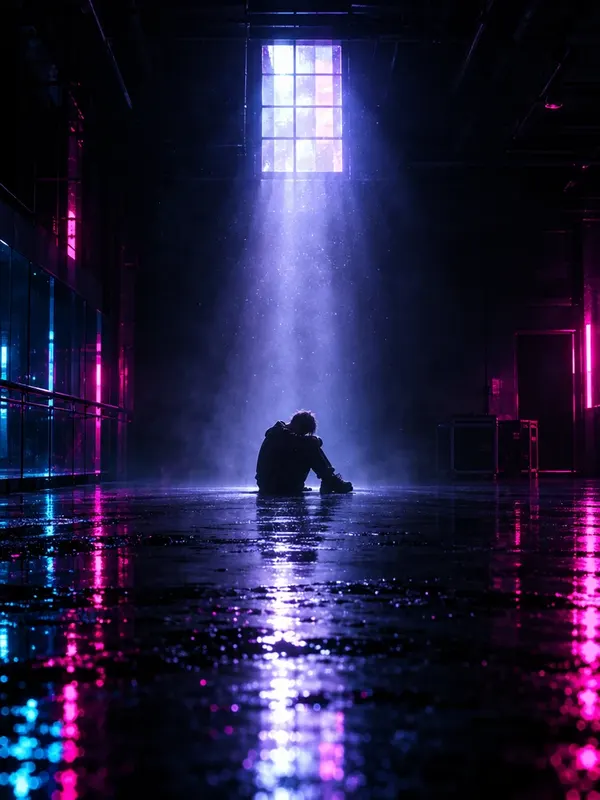
05
The fall
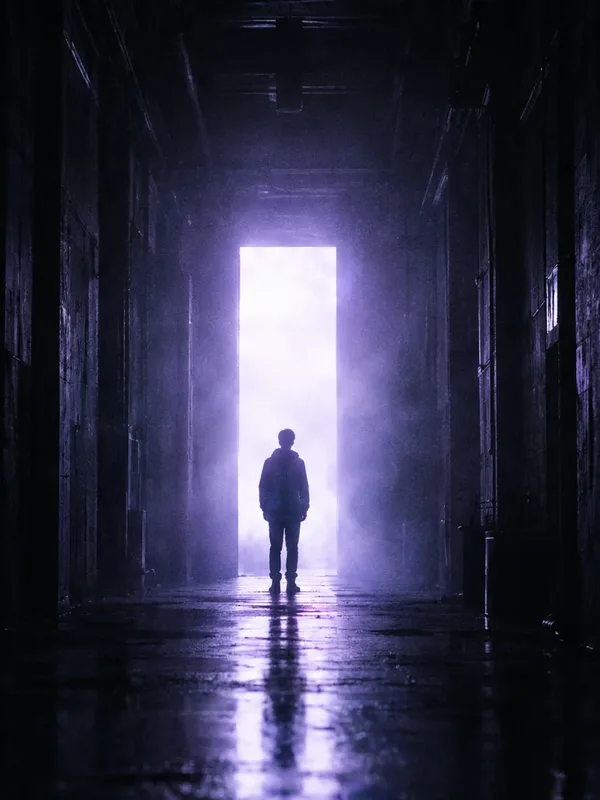
06
Turning point
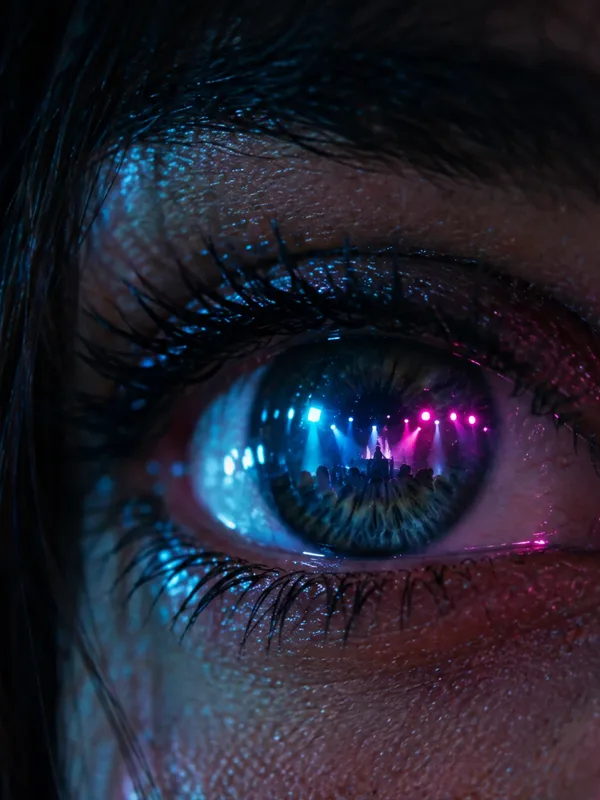
07
The reveal
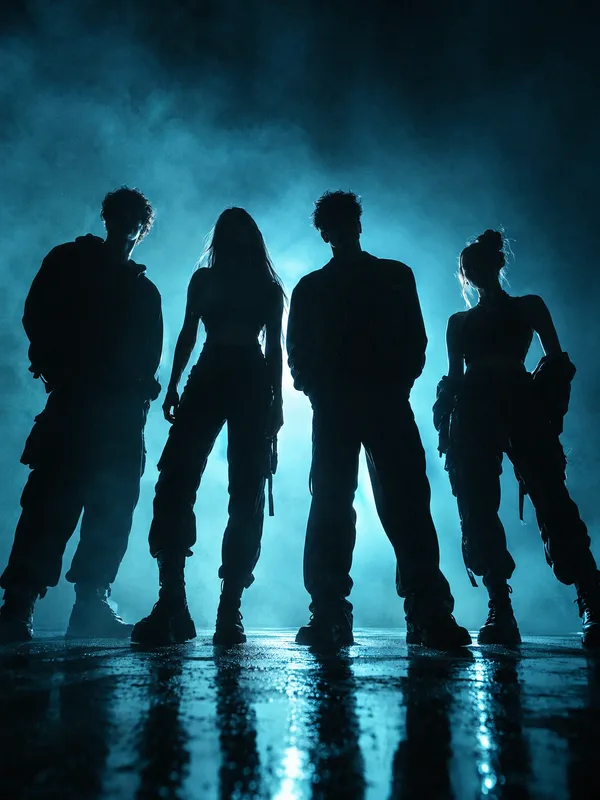
08
Together
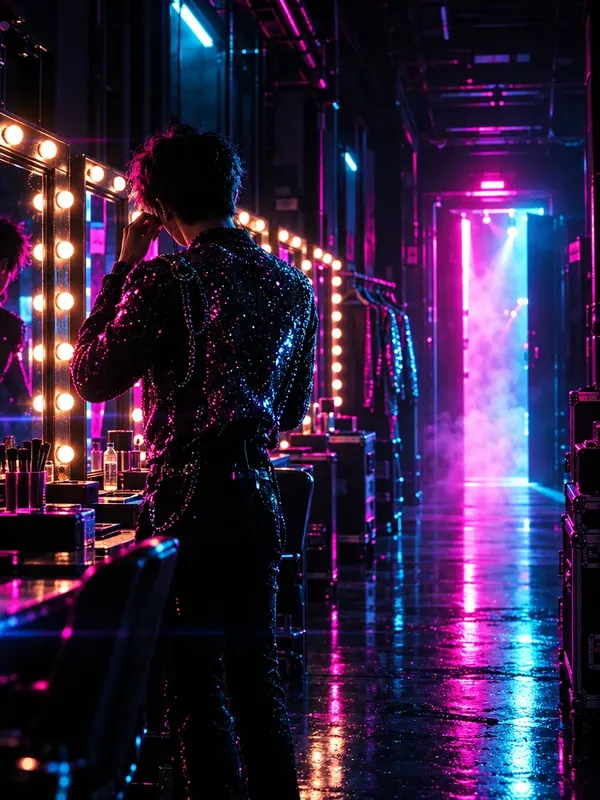
09
Getting ready
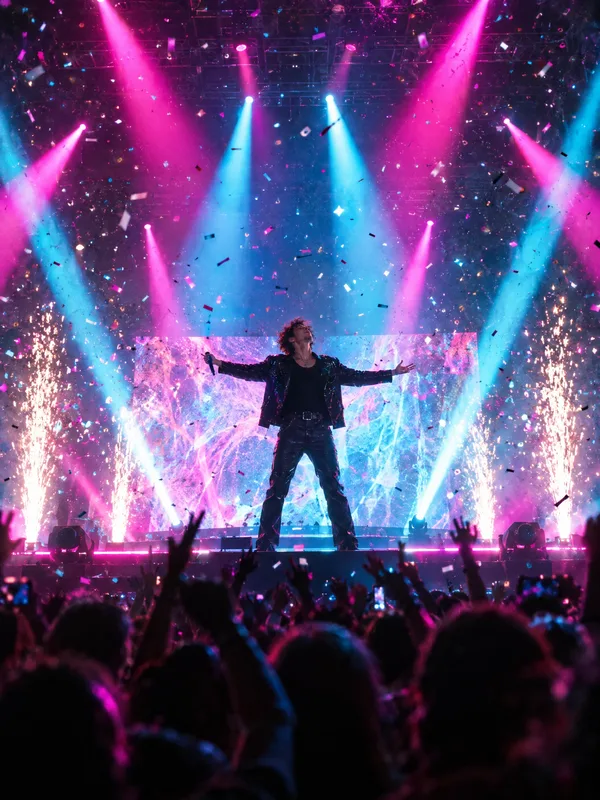
10
The climax
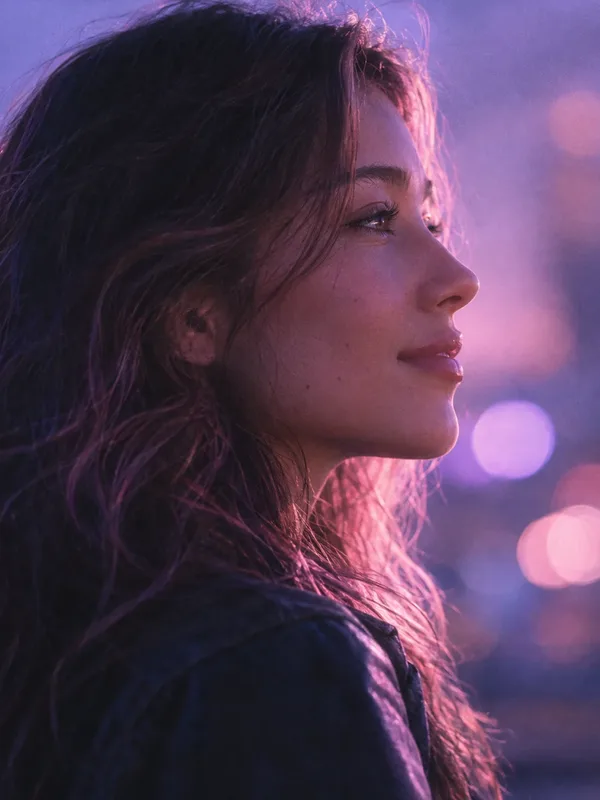
11
A different you
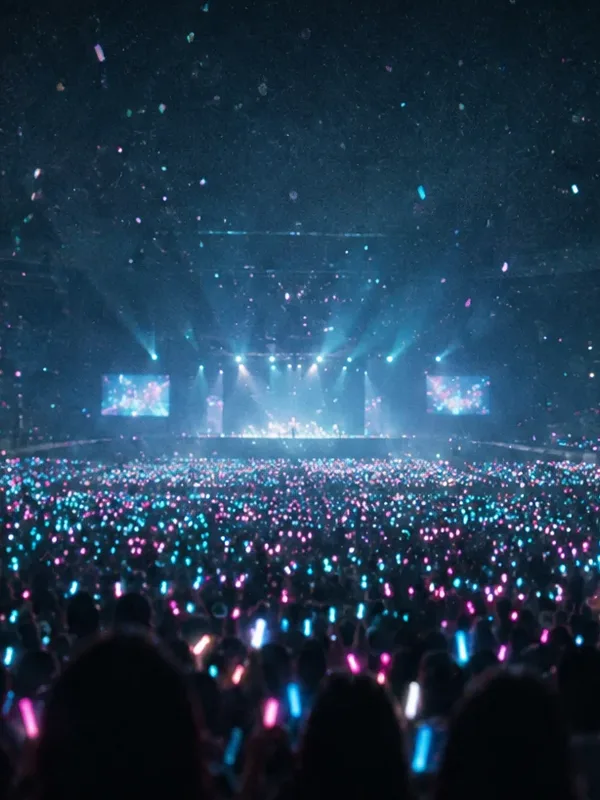
12
Fade out
Each scene is a card you can edit before you generate.
- 05
Generate scene by scene
Each scene is first drawn as a still image, then animated into a 5-second clip by the video AI.
When the song you picked has audio, it plays under your scenes and is included when you download the full video.
- 06
Watch it in My videos
Your scenes play back to back in My videos, so you can watch the whole story from the first frame to the finale.
FAQ
Good to know.
Yes, when audio is available for the song you picked. It plays under your scenes in the player, and Download video saves one file with the song. Songs without audio yet play as silent scenes.
No. The catalog is made of fictional example artists, and MyouV never uses real artists' names or likenesses.
Yes. Story Mode shows every scene as a card, and you can edit each one before you generate.
During the beta everything is free, and each account can generate 2 videos per day.
To My videos, where your scenes play back to back as one story.
Your story is ready for its first scene.
Pick an artist, write your story and watch it become a music video. Free during the beta.
Make your video